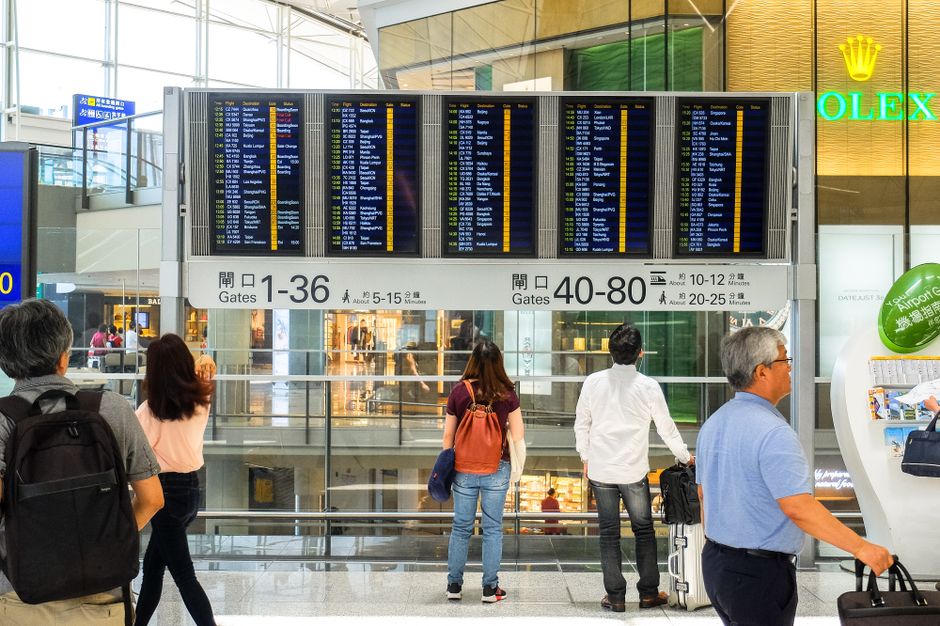
The UK ETA is fully digital, not printed. It links electronically to the passport you applied with, so you get no stamp, sticker, or document to carry, and you do not need to print anything to board or cross the border. A few things are still worth keeping, and one habit can save you at the gate.
TL;DR: Your UK ETA is digital, tied to your passport number, and costs £20. Nothing gets printed or mailed. Airlines and border e-gates check it electronically. Save the approval email as a backup, then confirm it with our guide on how to check UK ETA status. Carry the same passport you applied with.
| Quick Facts | Detail (2026) |
|---|---|
| Format | Digital only, linked to passport |
| Do you print it? | No — nothing to print |
| How it is checked | Electronically by airline and border |
| Fee | £20 (from 8 April 2026) |
| Validity | 2 years or until passport expires |
Americans used to paper visas often expect a document in the mail or an email attachment to print. The ETA works nothing like that. Before your trip, read the current ETA requirements and cost and the 2026 rules so you know exactly what to expect on arrival.
Is the UK ETA printed or digital in 2026?
Entirely digital. In 2026 the authorization is stored against your passport in the Home Office system. No physical copy exists and the border does not expect one, so there is nothing to laminate or tuck into your passport.
When your application is approved, you get an email confirmation, but that email is not the ETA itself. The real record sits in the government database, keyed to the passport number you entered (gov.uk ETA, accessed 22 August 2026). Over 30 nationalities now use this scheme, all on the same paperless model.
Think of it like a modern airline booking. You do not print a ticket; the airline pulls your reservation from your name and passport. The ETA follows the same logic.
What do Americans actually show at the border?
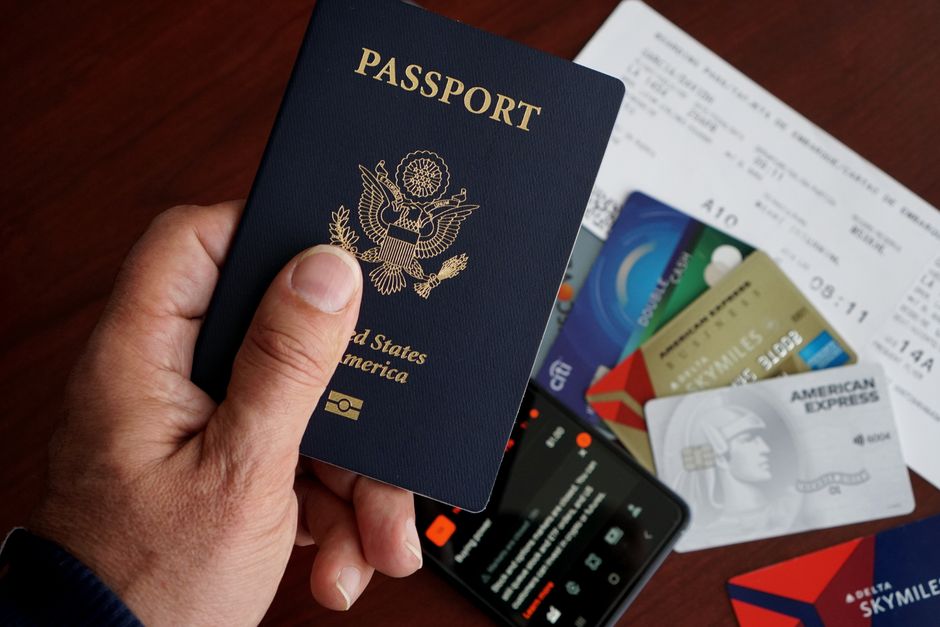
You show your passport and nothing else. UK border officers and e-gates read the authorization straight from the passport chip and number, so you have no separate card, QR code, or printout to hand over at immigration.
US citizens can use the e-gates at major UK airports, where the process is automated (gov.uk border control, accessed 22 August 2026). The gate scans your passport, the system confirms a valid ETA, and you walk through. For a walkthrough of the arrival experience, see our Heathrow Terminal 5 arrival guide and the broader UK border control and customs guide.
Pro tip: The single most important thing is not a printout — it is traveling on the exact passport you applied with. If you renewed your passport after getting the ETA, the link breaks and you must reapply before you fly.
Officers may still ask standard questions about your trip. Have your return flight details and accommodation handy. Keeping them on your phone is fine; they do not need to be on paper.
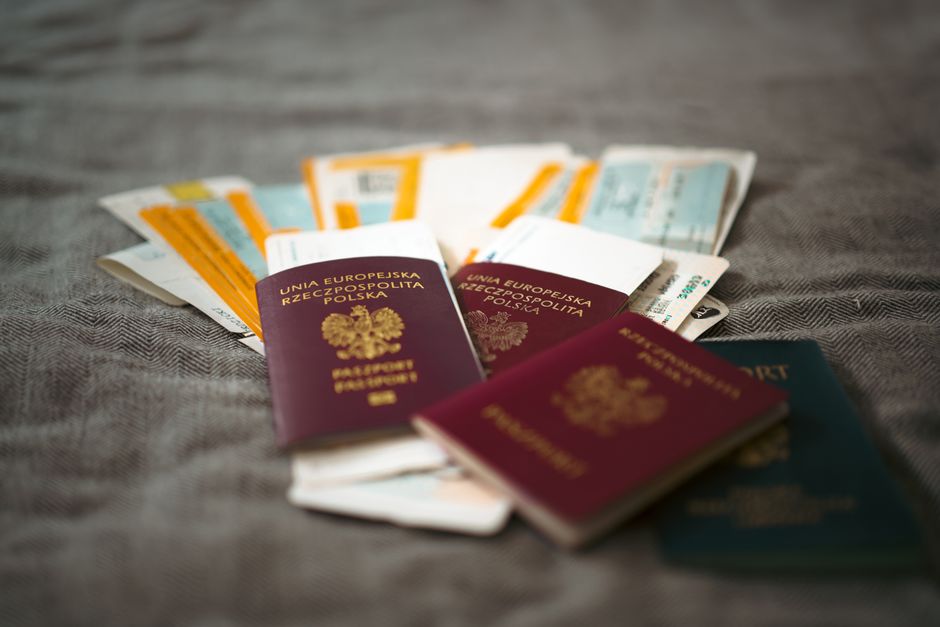
How airlines check your ETA before boarding
Airlines verify your ETA electronically before you board: an automated data link checks your passport against the Home Office system. If the ETA is missing or tied to a different passport, the airline will deny boarding at the US gate, long before you reach the UK. Waving a printout will not change that.
This is why the printed-versus-digital question matters less than travelers think. A printed email would not help if the airline’s check fails, because the check queries the live database, not your paper. The carrier faces fines for boarding a passenger without valid permission, so the system is strict (gov.uk ETA, accessed 22 August 2026).
A common mistake: a couple from Denver books a trip, and the husband applies for both ETAs but accidentally enters his wife’s middle name wrong. His own boards fine; hers fails the automated check at Denver International, and the gate agent turns her away. Nothing on paper can fix that at the airport. With a digital authorization, the record has to be correct in the system days earlier.
Practical takeaway: confirm your ETA is approved and correctly linked days before departure. Use our step-by-step on how to check UK ETA status, and if you applied through the app, compare it with our ETA app versus website guide.
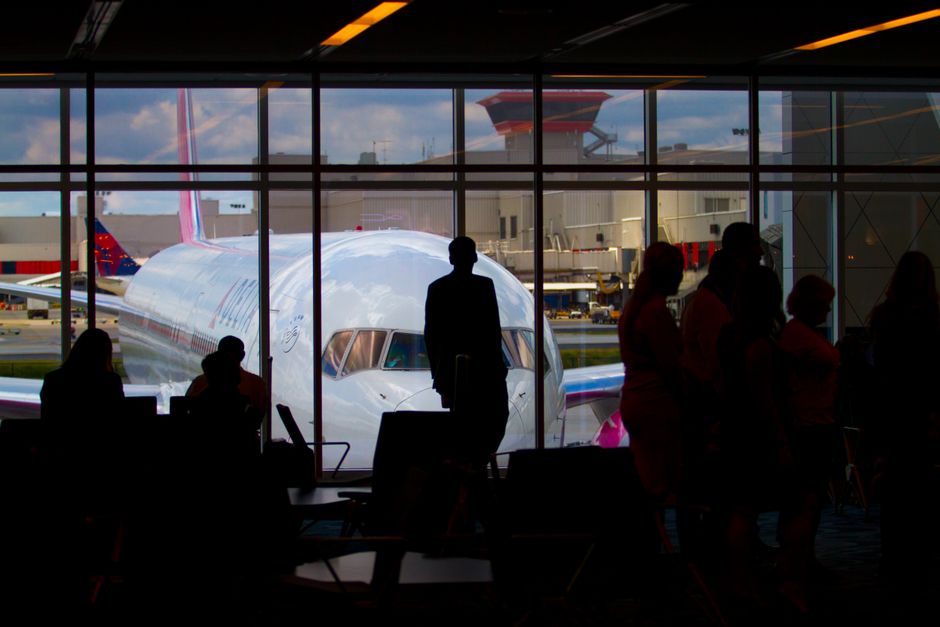
Should you save or print the confirmation anyway?
You do not need to print anything, but save the confirmation email as a backup. The ETA itself is digital, and copies of it carry no legal weight, yet a saved email gives you the reference number if you ever need to query your application or prove you applied.
Keep a screenshot on your phone and, if you want extra insurance, a printout in your bag. Neither is required, but both are free and can smooth an awkward conversation. One traveler we heard from kept a printout only to jot the reference number on, which came in handy when she called to ask about a delayed decision. It played no part at the border. What actually helps:
- Save the email with the application reference number in a travel folder.
- Screenshot the approval so it works offline at the airport.
- Note your passport number and confirm it matches the ETA exactly.
- Check the status a few days out using our safe application and payment guide.
| Document | Needed at border? | Format |
|---|---|---|
| Passport | Yes | Physical |
| ETA | Checked automatically | Digital only |
| Confirmation email | No (backup only) | Digital or optional print |
New passport? The digital link and what to do
Your ETA is bound to one passport, so a new passport means a new ETA. The old record does not transfer, notes about it on paper or on screen will not help, and the border check will fail on the wrong document. Reapply for £20 before you travel on the new book.
This catches people who renew between booking and flying. If your passport changed, follow our re-apply after a new US passport guide and the passport renewal and ETA procedure. Lost your passport abroad? See our emergency passport replacement guide, since the ETA must match whatever document you end up carrying.
Getting your digital ETA sorted
Apply online with a valid US passport, a card for the £20 fee, and a clear selfie, then wait for the digital approval, which usually arrives within minutes. Because the record is digital, there is nothing to collect, mail, or laminate — the whole process finishes on your phone.
Read the official eligibility notes first (gov.uk ETA guidance, accessed 22 August 2026), and make sure your photo meets the requirements to avoid the most common delay. First-timers can follow our US citizen application guide from start to finish.
Prefer a second pair of eyes? You can apply directly on gov.uk for £20, or use our checking and support service so a mistyped passport number does not break the digital link. We are an independent assistance service, not the UK government.
Frequently Asked Questions
Is the UK ETA printed or digital?
It is digital. The ETA links electronically to your passport, so there is no printed document, stamp, or sticker. You show only your passport at the border, and the system confirms the authorization automatically.
Do I need to print my UK ETA to enter?
No. Nothing needs printing. Airlines and UK border e-gates check your ETA against your passport electronically. A printout carries no legal weight, though saving the email as backup does no harm.
What happens if I show up without a printout?
Nothing — a printout was never required. As long as your ETA is approved and linked to the passport you carry, you pass through normally. The check is entirely digital on the airline and border side.
How does the airline know I have an ETA?
Airlines query the Home Office system using your passport before boarding. If the ETA is valid and correctly linked, you board; if not, they deny boarding at the US gate, whatever paper you present.
Is the confirmation email the same as my ETA?
No. The email confirms approval but is not the ETA itself. The real record sits in the government database, keyed to your passport number. Keep the email only for its reference number.
Does a QR code or barcode come with the ETA?
No. There is no QR code, barcode, or card to scan. Everything is tied to your passport chip and number, which the border reads directly at the e-gate or desk.
If it is digital, what if my phone dies at the airport?
You are still fine. The ETA lives in the government system, not on your phone. Your passport is all the border needs, so a dead battery does not stop you entering.
Written by the ETA UK Editorial Team at etavisauk.us. Last updated: 2026-08-22 — verified against gov.uk schedule.